


Armadillo track editing tutorial
Fog and SkyCube basics
by mike_mccue
Armadillo automatically loads a suitable Fog Setting when you use a stock sky cube. Here's how to get the same effect when working with a custom sky.
Here is an example of the aerial perspective effect as seen in the TD Sketch Out Series Race 02: Bryce Canyon track. The enviroment details fall off softly into the fog and the clipping envelope is hidden by an illusion of depth.
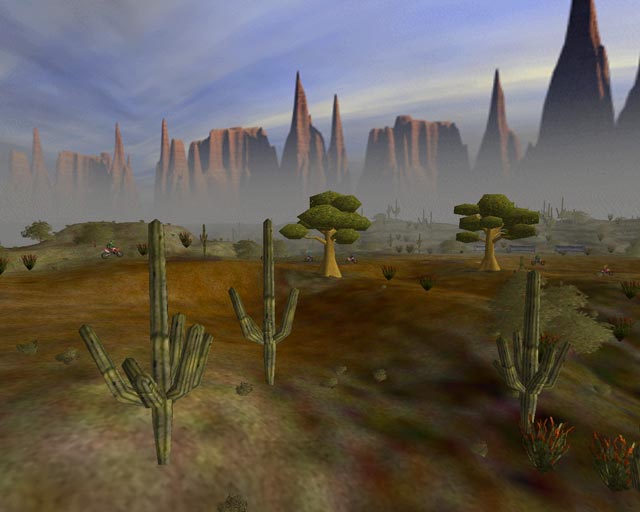
The idea is to coordinate the DirectX Fog settings for the game so it matches the color of the horizon line on the Sky Cube.
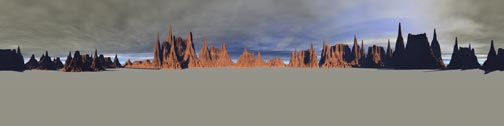
I usually start by making 2016x504 pixel painting for use with Skywalker. Here is the original render of the Bryce Canyon Sky image shown at 1/4 scale.
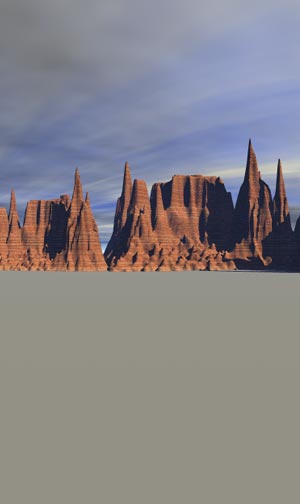
This is a 300x504 pixel portion of the original render which was computed
in Bryce 4.
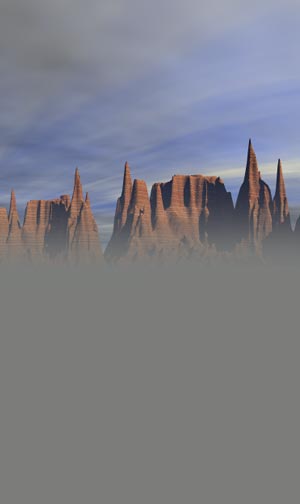
This
is the same portion shown after I have added a feathered layer of 124,125,122
RGB grey color in Photoshop.
I get good results by making sure that the feather blends
above the centerline of the Sky painting. I try to have solid fill color
at the horizon line.
Maui_Cool has mentioned some insights into
manipulating the horizon line and the code text in the MakeCube.ini files
in his SkyCube tutorials. This may prove useful if your terrain horizon
level is extremely high or low.
It's important to note the RGB color that is used for the
blend. the Fog setting in the game should be the very same color.
The fog color for this Sky Cube is 124,125,122.
Hint:
When I got done with the MakeCube process for the sky painting shown here
I named the skycube:
TDbrycanNAT01a_124_125_122.cub
so that I can easily remember the color for the Fog setting.
Here
is a 1/4 scale view of the 2016x504 Sky Cube image with a aerial perspective
effect added.
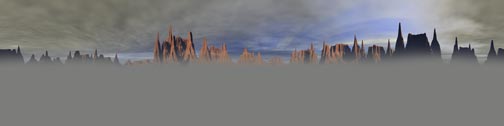
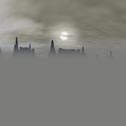
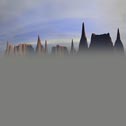
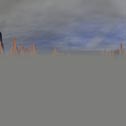
The Panels below were generated by processing the image with Skywalker. Notice that the top panel (05) has been retouched too hide visual seams while a sun disk has been added to panel 02 to simulate a sun in the 90 by 45 degree position.
 |
 |
 |
 |
 |
I
hope you may have found this tutorial helpful in some way,
thanks,
mike_mccue