I have copied over the Twisted D.I.R.T. downloads section and I am working on getting them all corrected, fixing all the broken links that I can. The Twisted D.I.R.T. downloads section contains a Tutorial section which contains many Tutorials. Some of Mike McCue's tutorials are fascinating to read even if you have no interest in making tracks.

I have also moved over from the DirtTwister site all of my utilities that were hosted there.

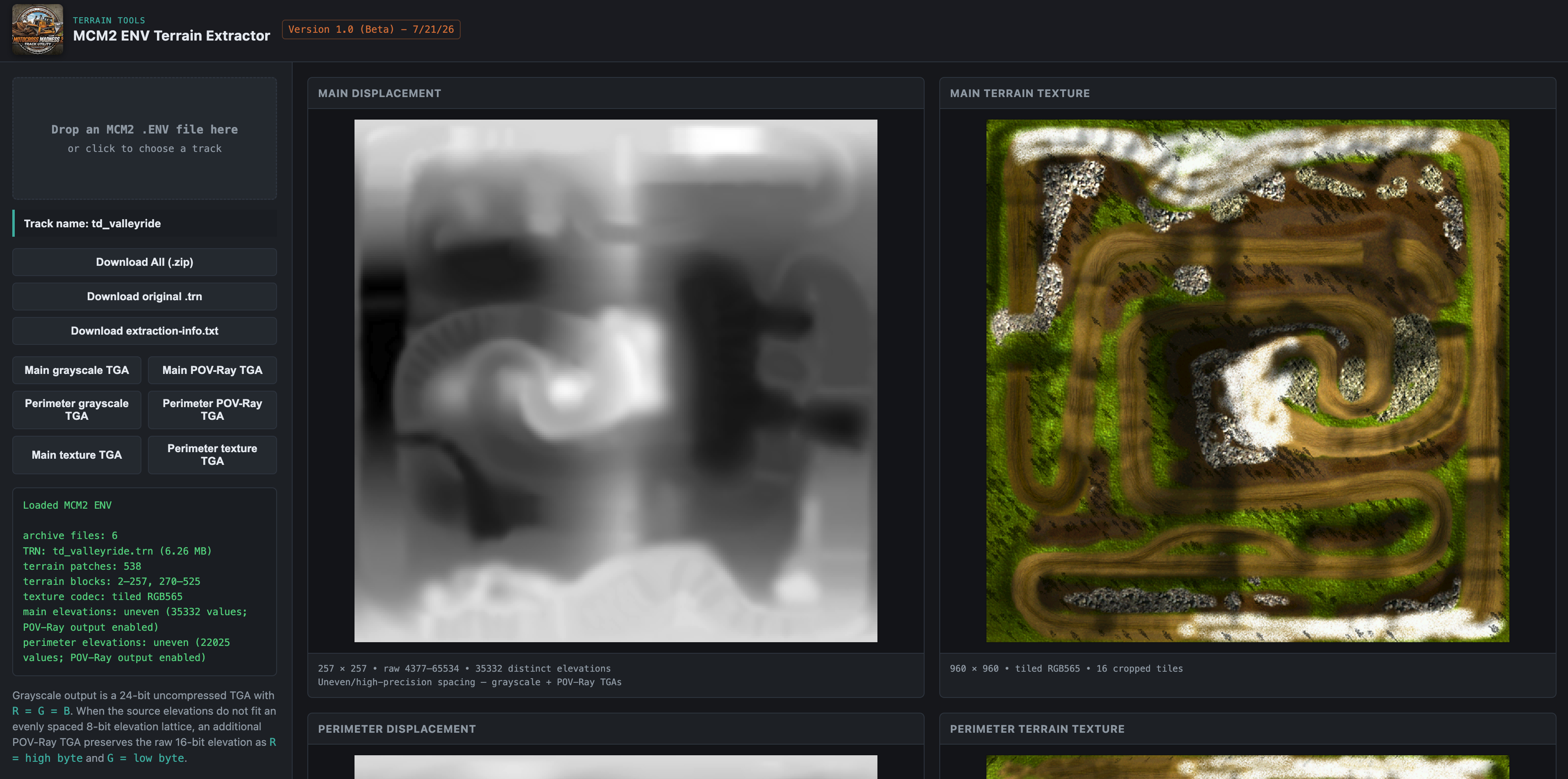
I have uploaded my latest Alpha version of a displacement map editor. The goal is to be able take random terrain that you create and lay a track path down on it that follows the terrain like a bulldozer and plows a path through the terrain. It's adjustable as to how much it follows the terrain and how it handles the edges. Future plans are to provide touchup tools to provide ways to dig out and build up jumps. Ultimately I would like it to output a texture that shows where the track is.

I see this as an ongoing project and it isn't tied to a specific version of Motocross Madness. Right now it is working with 257x257 displacment maps and 960x960 textures. It will take larger ones going forward. I have it defaulting to my MCM 2 track Valley Ride. If you want to start out with a blank slate the best thing is to just paint up a gray scale dispmap with bumps and random terrain and fly around on it. You can use the default grass to start out with.

I would love to have a few people take it for a spin and give feedback. I will be posting a thread in the forum to explain a few things .

Before applying path: After applying path:

Displacement Map Terrain Editor Help file
Displacment Map Terrain Editor
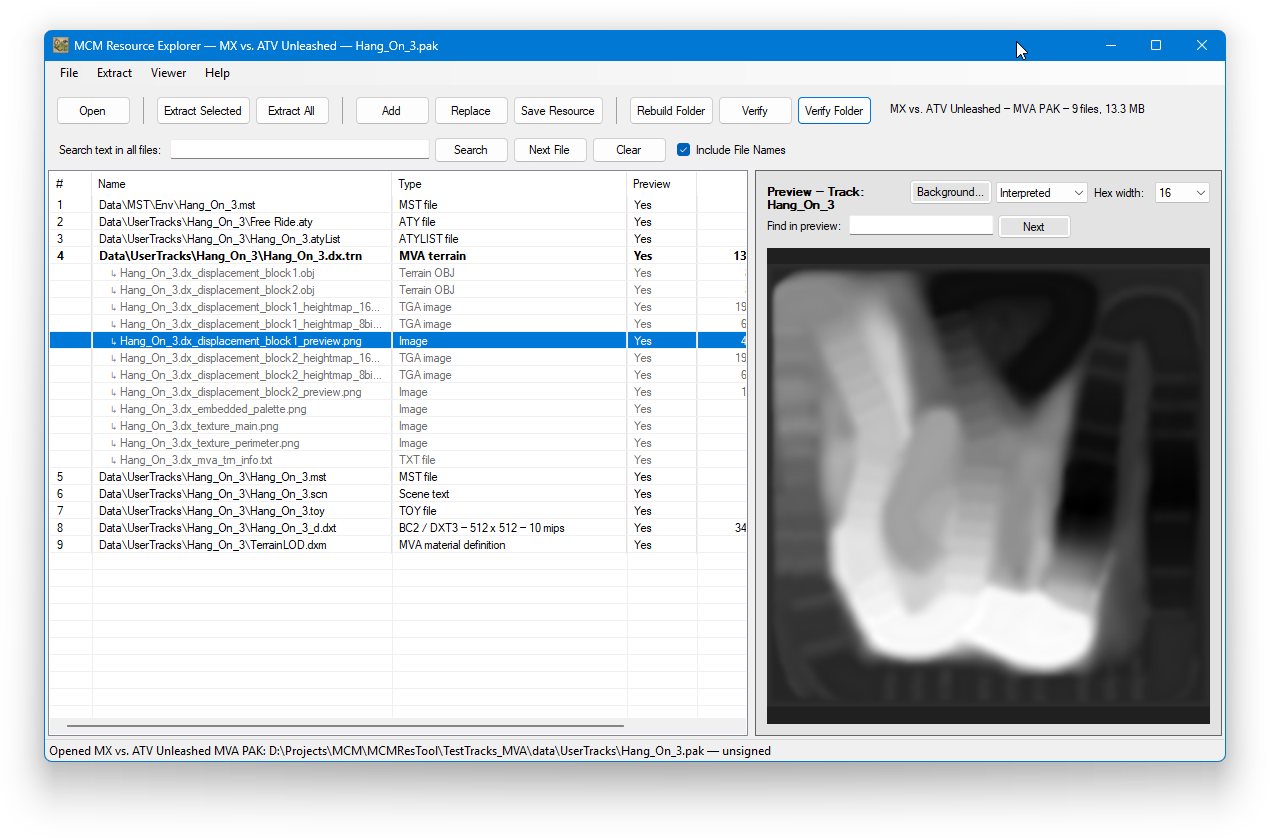
I have created a new plugin editor for MCM 1. It allows you to copy an existing plugin and then edit/add pieces to it. You can lay tracks out in 3D and then save the compiled track for use in MCM 1.

Image description

The piece editor has options to let you create a profile of a jump and then apply it to the whole piece and smooth it in various ways. If the piece's shape works the same way in both directions then you can actually place two shapes. One for North/West and one for South/East.

Image description

You can get it here: MCM1PluginEditor

Kamshaft created a python script called convert.py that will take your legally owned copy of Motocross Madness 1 and convert into a build that launches and plays on Windows 11 with no installer, no admin, no DirectX install, and no registry keys. Everything lives in the folder and you just run mcm.exe.

Motocross Madness 1 Windows 11 Patch

Over the last few months I have given up the dirttwister.com and twisteddirt.com domains. I have now moved them to subdomains on my main website.

dirttwister.com is now https://dirttwister.bruceatkinson.com - In the future this will be the new site and I will use a different subdomain for the original.
twisteddirt.com is now https://twisteddirt.bruceatkinson.com

I have created a new site going forward for all things that I do with Motocross Madness family games. I am starting with Motocross Madness 1.

This is the new site: https://bruceatkinson.com/dirttwister - This will eventually be redirected to dirttwister.bruceatkinson.com