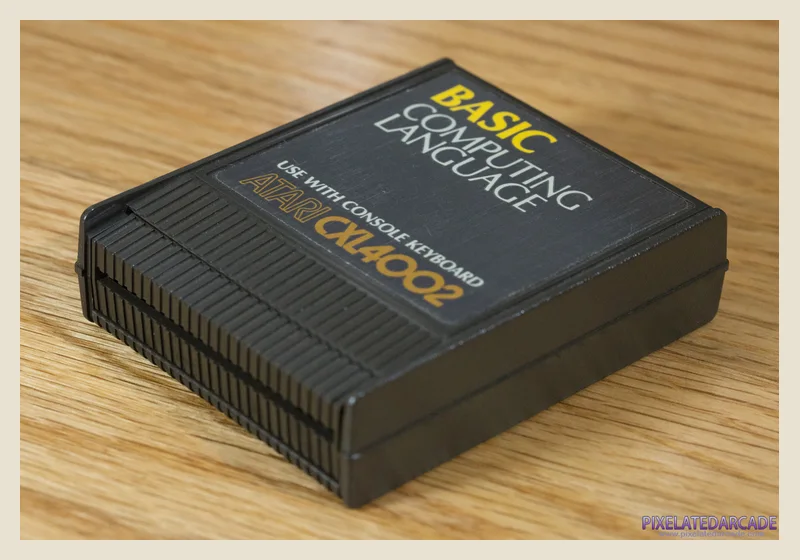
Atari BASIC
Supplied on cartridge with the Atari 400 and 800, then built into most XL and XE machines. For many owners, typing a BASIC listing was their first experience of programming.
Explore Atari BASIC & example code →Code / From READY to RUN
For a generation, the blinking READY prompt was an invitation. Atari computers made programming part of the product—not something hidden behind it.
Eight-bit languages
Atari BASIC was the everyday standard. MAC/65 and Action! became admired power tools, while Logo, C/65, and Pascal served smaller educational and specialist audiences.
Supplied on cartridge with the Atari 400 and 800, then built into most XL and XE machines. For many owners, typing a BASIC listing was their first experience of programming.
Explore Atari BASIC & example code →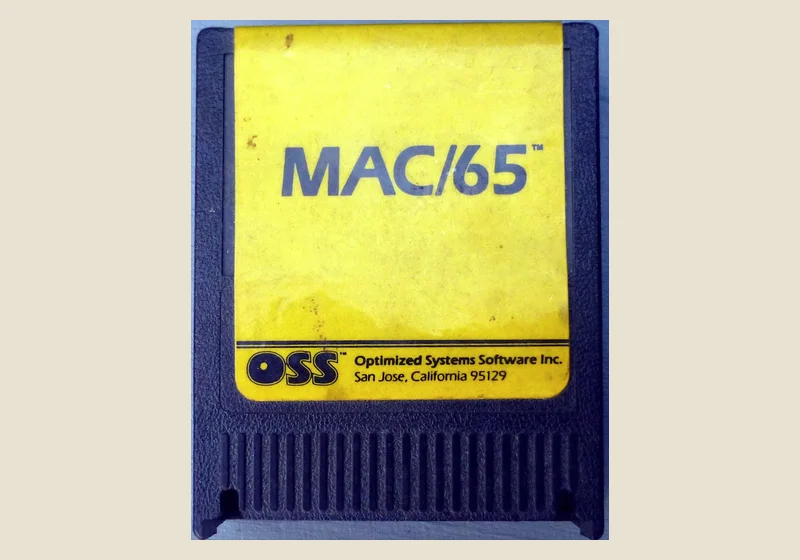
OSS combined a fast 6502 macro assembler, editor, and debugger in one cartridge. It became a favorite route to high-performance games, utilities, and magazine listings.
Explore MAC/65 & example code →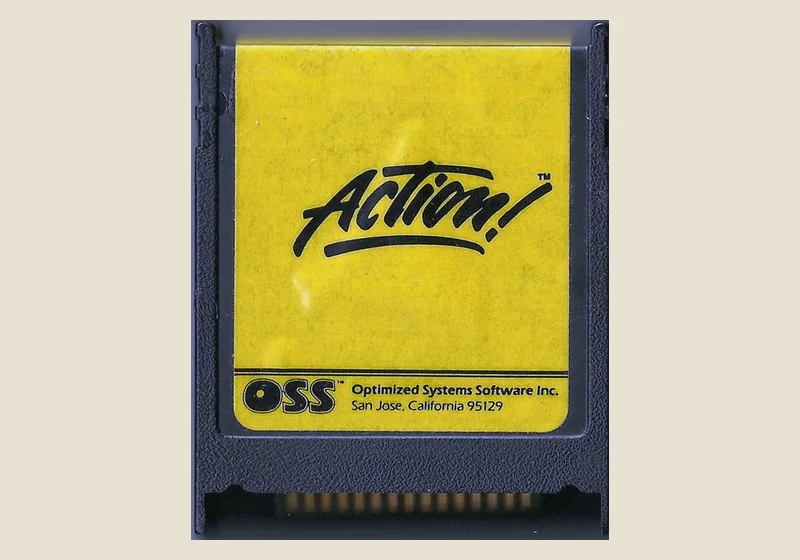
OSS packed an editor, compiler, and monitor into a cartridge. Its readable, ALGOL-like language could produce unusually fast programs on the eight-bit Atari.
Explore Action! & example code →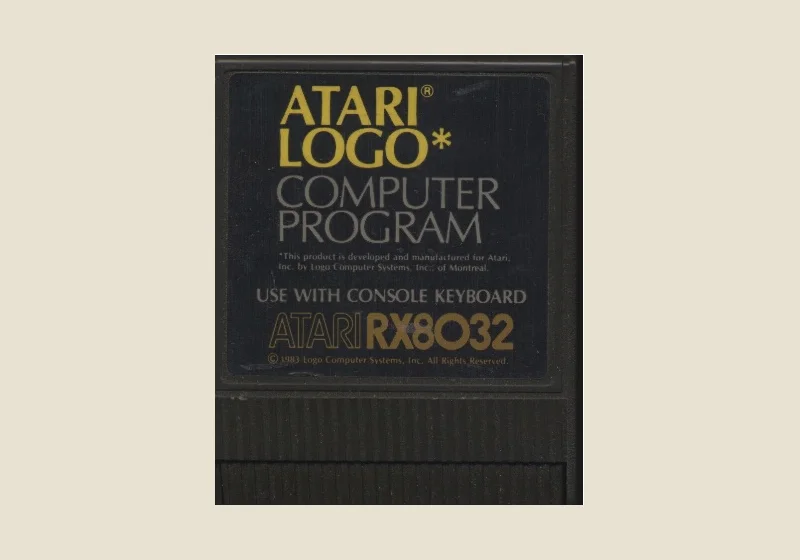
A cartridge-based version of Logo built around interactive learning and turtle graphics. Its visual approach made programming inviting in homes and classrooms.
Explore Atari Logo & example code →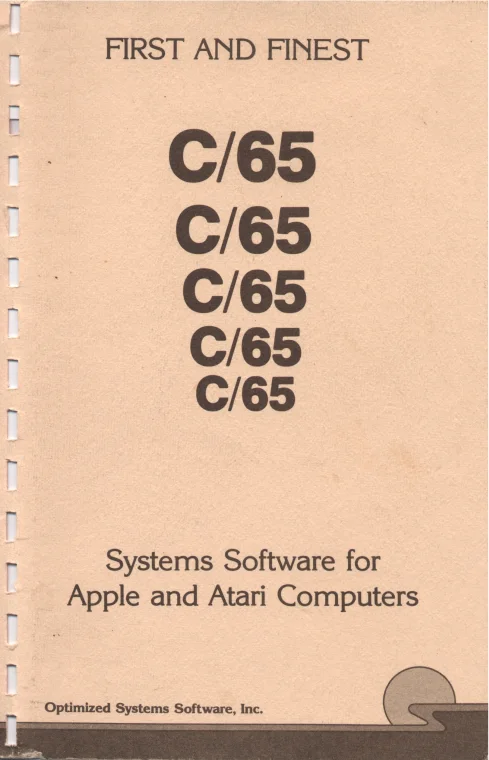
This compact C subset translated source into MAC/65 assembly code, which then had to be assembled into a runnable program. It brought C-style programming to a demanding 6502 environment.
Explore C/65 & example code →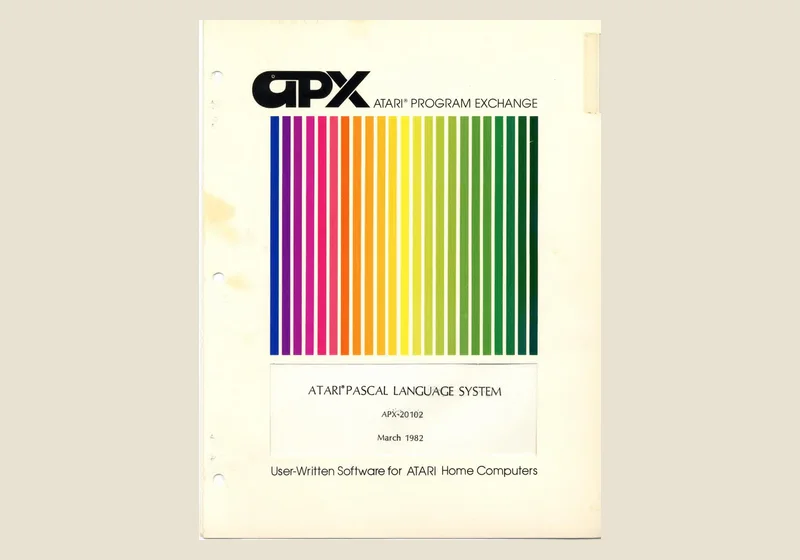
Atari's disk-based Pascal Language System offered structured programming through the Atari Program Exchange. Its requirement for two disk drives kept it a specialist choice.
Explore Atari Pascal & example code →On the ST
The 68000 and GEM opened the door to a new generation of Atari development tools. Explore the languages through original packaging, disks, manuals, and development screens.
Lattice C manual · image source
C programs use GEM’s AES interface services and VDI graphics routines to build Atari ST desktop software. Compilers such as Lattice C and Pure C offered complete development environments.
Explore C and GEM & example code →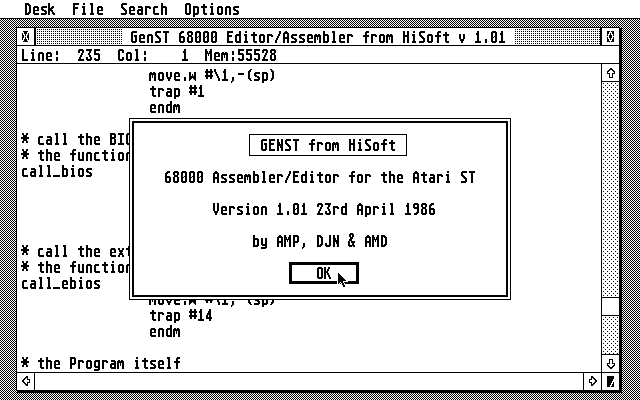
Devpac screenshot · image source
The 68000’s registers and instruction set give programmers direct control of the ST. Tools such as HiSoft Devpac brought editing, assembly, and debugging together.
Explore 68000 assembly & example code →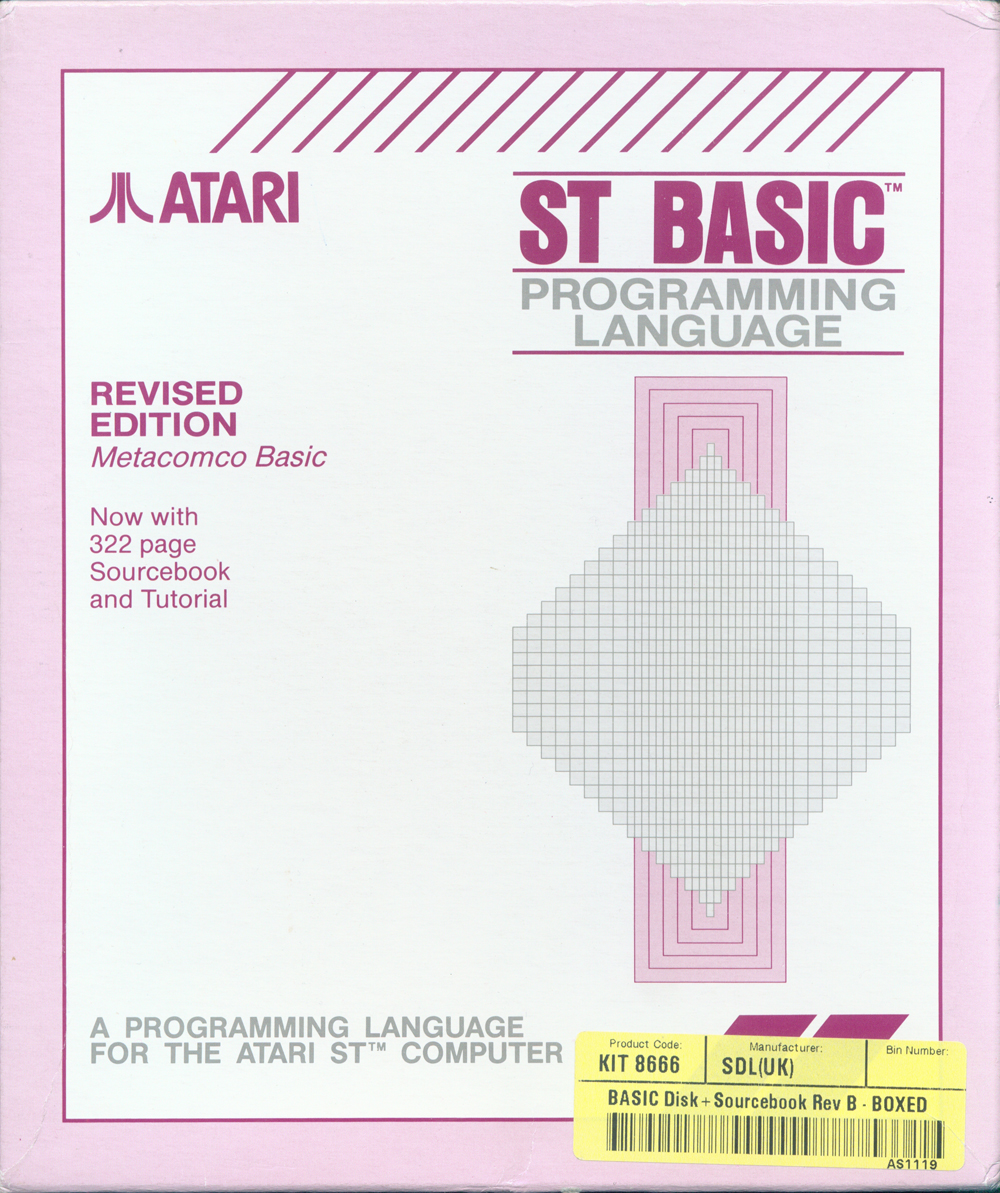
ST BASIC package · image source
Atari’s bundled BASIC used numbered listings and separate editor and output windows. It offered a familiar first step into programming the ST.
Explore ST BASIC & example code →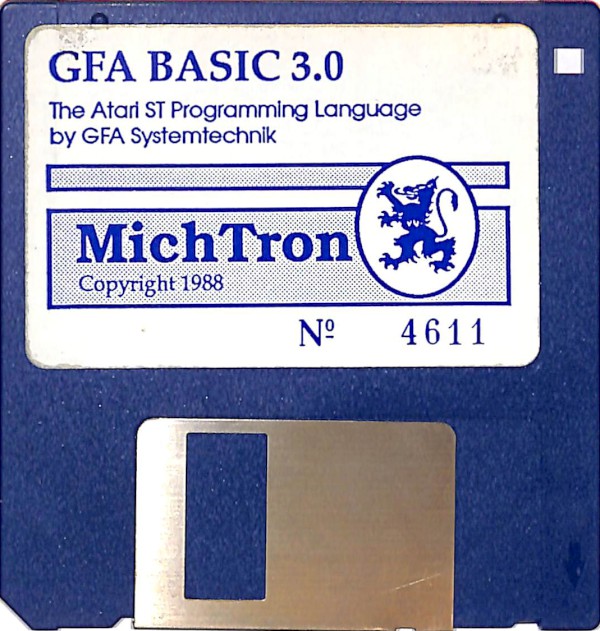
A structured BASIC with an editor that does not require line numbers. Procedures, graphics commands, and compiler support make it a route from short experiments to larger ST programs.
Explore GFA BASIC & example code →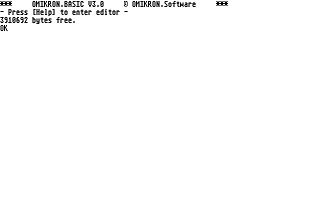
Omikron BASIC screenshot · image source
Another major ST BASIC dialect, with interpreter and compiler options, numeric facilities, and graphics commands. Its own syntax and development tools distinguish it from GFA BASIC.
Explore Omikron BASIC & example code →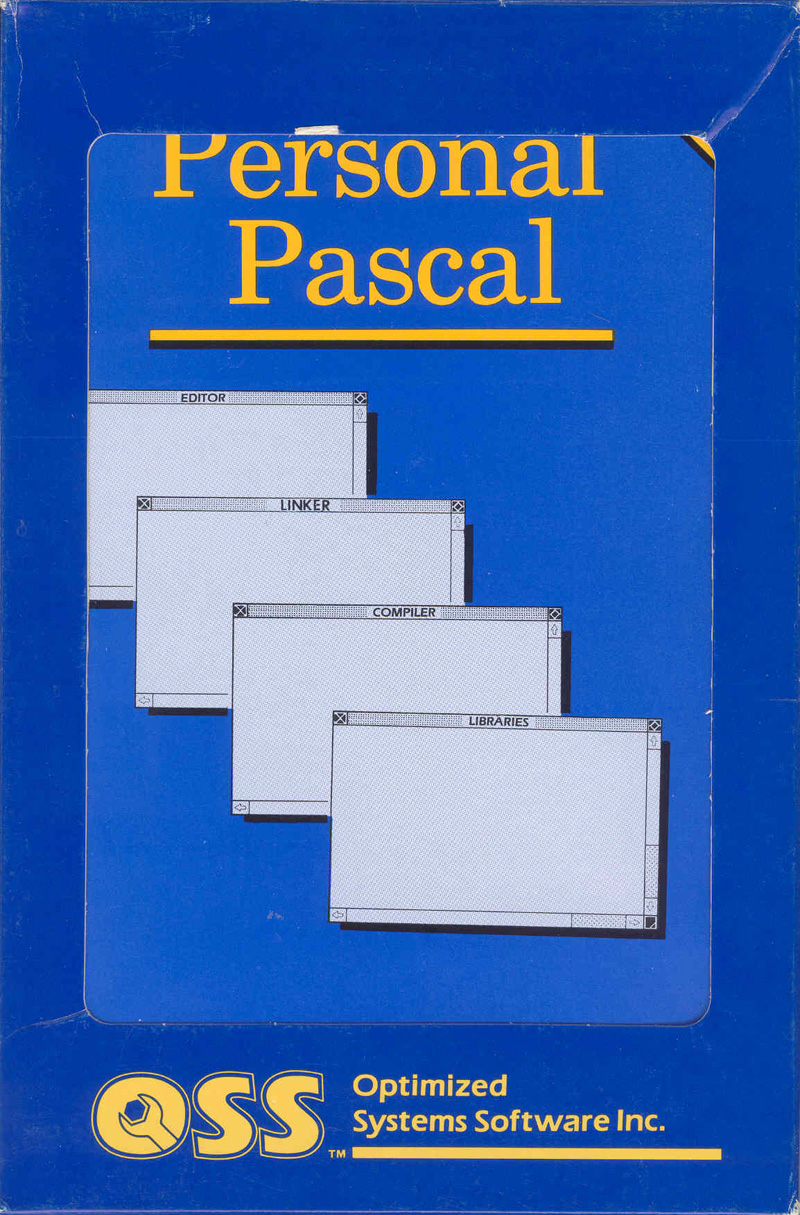
Personal Pascal package · image source
OSS Personal Pascal brings typed variables, procedures, and structured programming to the ST. Its libraries support ordinary console programs and GEM development.
Explore Pascal & example code →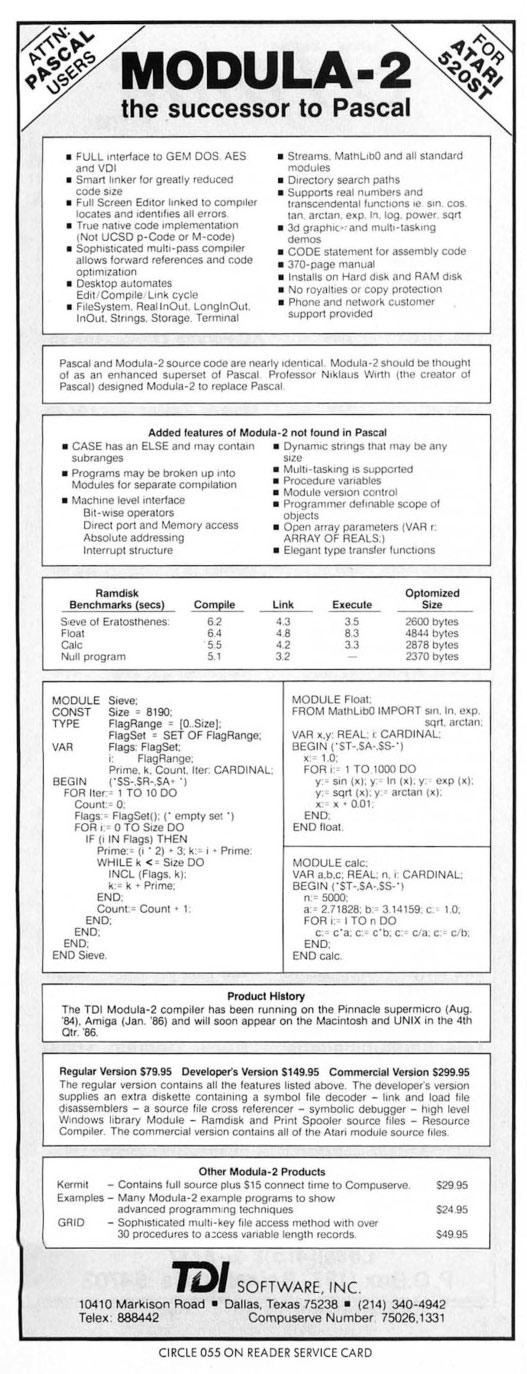
TDI Modula-2 advertisement · image source
Explicit modules and imports help organize larger programs. TDI Modula-2/ST combined a native-code compiler with tools and libraries for Atari ST software development.
Explore Modula-2 & example code →10 GRAPHICS 2+16
20 SETCOLOR 4,9,4
30 POSITION 4,4
40 ? #6;"HELLO ATARI"
50 GOTO 50The message starts at column 4, row 4. The loop keeps the screen visible until BREAK. Uppercase letters use the default orange foreground in this mode; SETCOLOR 4 changes the background. Colors are approximate. Atari color-register reference.
This starter selects a large-character mode without a text window, sets a blue background, writes a message, and waits until you press BREAK. It is deliberately small enough to type directly—a defining pleasure of early home computing.
Explore Atari BASIC revisions A, B, and C, BASIC XL, BASIC XE, and Altirra BASIC. Move closer to the hardware with MAC/65 and assembler alternatives, or explore C/65, Tiny C, Deep Blue C, and cc65.